


Lightspeed
Lightspeed (previously called VEND) is the cloud-based cash register system used at MSU Extension.
- Required annual employee payment card statement signature and date from MSU relating to eCommerce (related to PCI compliance). Initials and date will suffice after the first year of signature.
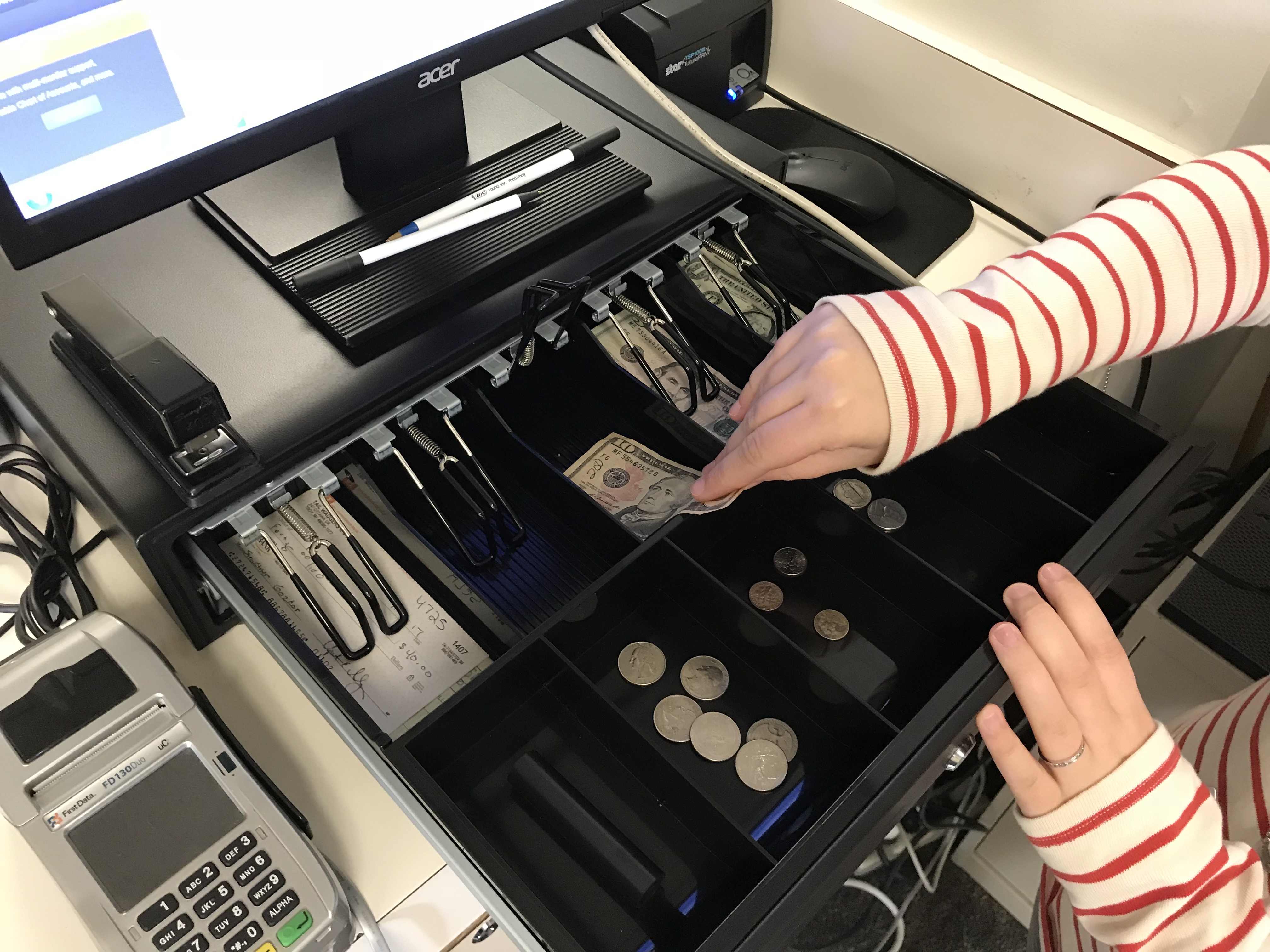
Lightspeed Training for New Staff
- Supervisors or support staff indicate on the Computer Access Form that a new staff person needs Lightspeed access.
- The MSU Extension Lightspeed admin (MSUE.vend@msu.edu) will send new staff an employee payment card statement. The new staff member will read, sign, date, and return the statement to MSUE.vend@msu.edu.
- Once the new user sends back the signed statement, MSU Extension Lightspeed admin grants access to the new staff person.
Lightspeed Training Annual Renewal
You will need to initial the employee payment card statement annually. Reminders to do some will come from MSUE.vend@msu.edu.
Questions?
Please contact the MSU Extension Lightspeed team at MSUE Lightspeed team at MSUE.vend@msu.edu.
Lightspeed Resources
The following resources include information on Access, Policy, best practices and useful hints.
- Lightspeed Instruction Book
- AABI Soil Testing Inventory Instructions
- Ordering Clover Thermal Cash Register Receipt Paper
- Tax Exempt Form 3372 - This information is to be collected when a customer is requesting tax exemption from sales. Keep on file in your office and update on a yearly basis.
- Reviewing checks - This document goes over the requirements and what to look for when accepting checks. This should be done at the time of the sale as well as when the Lightspeed manager is preparing the deposit.
- Open and Close Register - This task is to be performed each day your office is open to the public. Registers should never be left open for multiple days at a time.
- Preparing Deposit Instructions - Deposit reporting periods are 1st- 15th and 16th - end of the month by the Lightspeed manager.
- Payments Report Example
- Sales Report Example
- Credit Card Report - Login with your local county extension email and run the report on the dashboard.
- Gift Form - Use this form when gifts or donations are received in the office. Submit form with deposits.
- Quick Keys - This is a task the Lightspeed manager can do to keep the register's sell screen current and up to date. This allows frequently sold items to be on the screen to make selling those items easier.
- Customer Names - Recently, we have requested all sales have the customer names added.
- Soil Test Forms - Forms for internal staff. More information to follow.
 Print
Print Email
Email