Placing Existing Content (Generic) on a Page using the Edit Screen in dotCMS
 Print
Print Email
EmailFrom the Preview Screen, users can place the same block of content on multiple pages retaining the ability to only have to edit that piece of content once. The updates would then filter to all pages that content is placed on.
- Lock the Page to access the Edit Tab.
- Click the (+) in the top right corner of the container.
- Select Content.

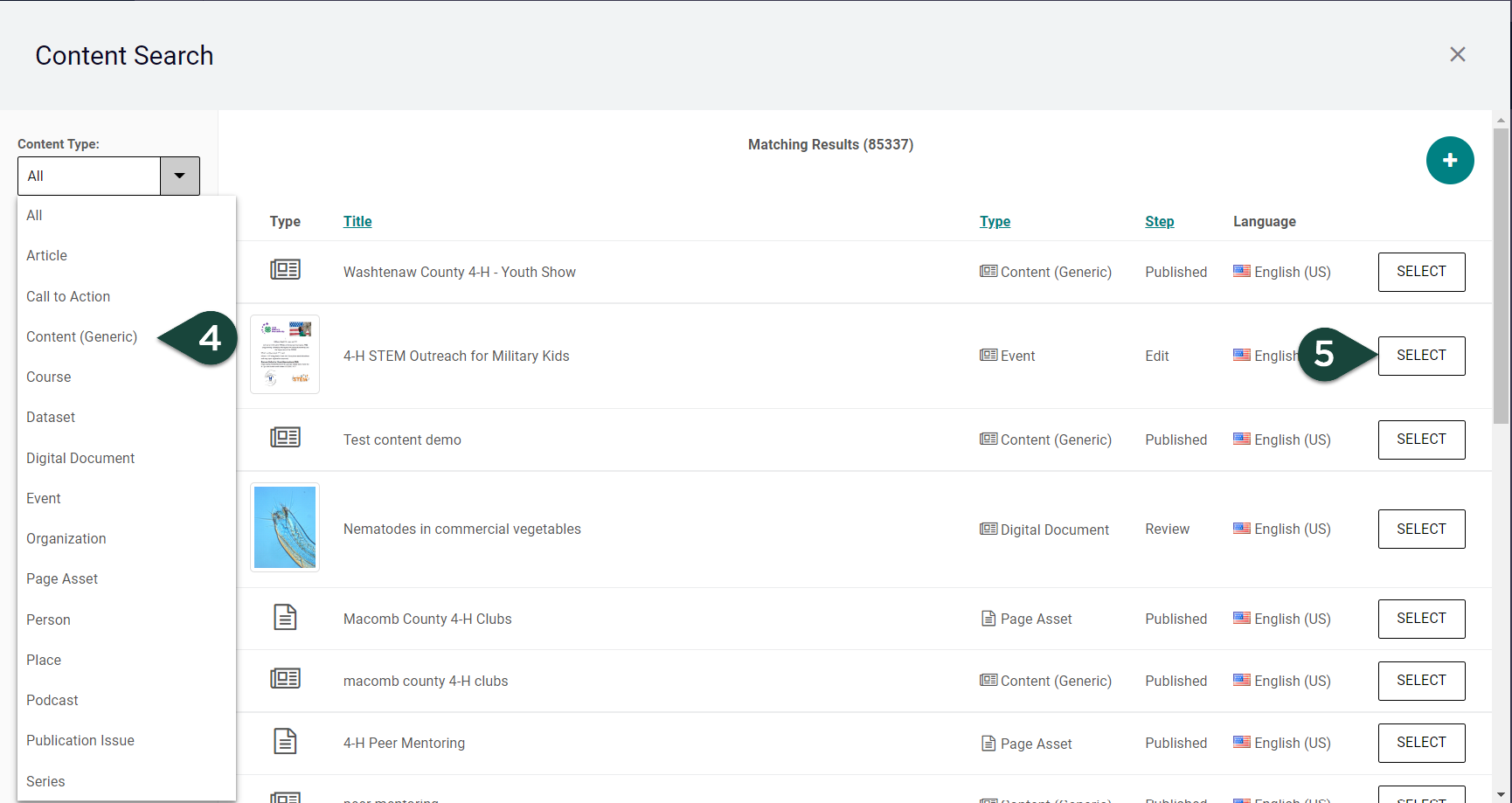
- Search for the content you wish to add.
- Click Select for the piece of content you wish to add.
NOTE: This allows you to use the same piece of content on multiple pages without having multiple copies to maintain.